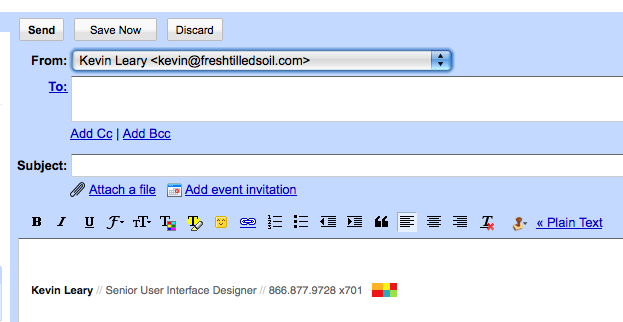
 To quickly and easily add an automatic, rich text signature to your Gmail account check out the Wisestamp addon for Firefox. It will allow you to create custom signature, which will automatically be added your emails sent from within the Gmail online interface. You can even create your own custom HTML signatures to use as well.
WiseStamp also makes it easy to add links to your LinkedIn and Twitter accounts. As an alternatives, some people praise the use of the Canned Responses, Labs addon. This is just as good, and proves to be a better solution for some. Personally I prefer the automated process associated with WiseStamp, adding a signature is automatic which is great.
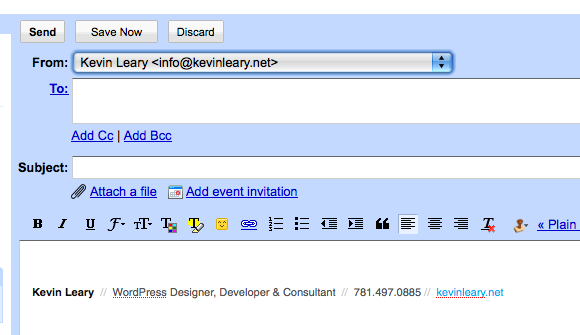
Get Started
- Open the Firefox web browser – If you’re not using it, you check it out
- Download & Install Wisestamp
- Follow the 5 First Steps with Wisestamp instructions to create your signatures
Take A Demo
For more information check out Molly’s video for an in depth walk through.